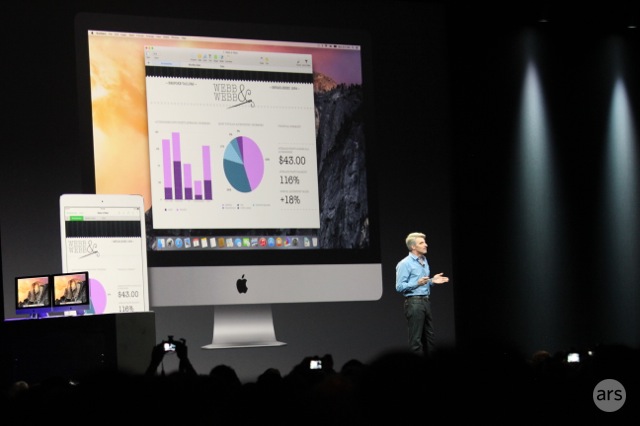
This morning at Apple’s 2014 Worldwide Developer’s Conference, Apple SVP Craig Federighi gave us our first official look at the upcoming version of the Macintosh desktop operating system. This is the eleventh formal release of OS X (which is pronounced “oh ess ten,” never “oh ess ecks”); Apple’s naming convention uses “OS X” as the brand, separate from the version, and so the brand and version of this release is indeed “OS X 10.10”—“oh ess ten ten dot ten” (or “ten point ten,” if you insist).
Starting with OS X 10.9, though, Apple has given the OS California-themed names—10.9 was “OS X Mavericks,” after a famous surfing location, and this new version is “OS X Yosemite,” named after California’s Yosemite National Park. Mavericks’ branding and banners were all wave-related, after the surf theme; Yosemite’s desktop features the famous slab-sided southwest face of Half Dome, one of the park’s most recognizable rock formations. (PC gamers who cut their teeth in the late ’80s and ’90s will also recognize Half Dome from its role as the logo of the legendary adventure gaming company Sierra On-Line.)

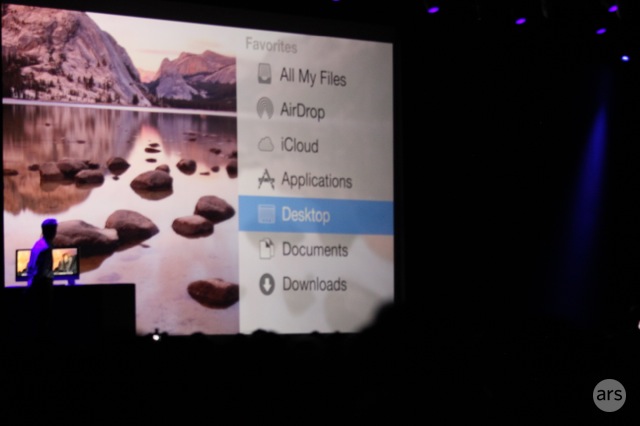
“Translucency” is the name of the day, with translucent panels and sidebars popping up in all windows. The icons in the Dock have also gotten a big overhaul, gaining a very iOS-like appearance across the board. “You wouldn’t believe how much time we spent crafting that trash can,” joked Federighi. The revised interface can also be shifted to a “dark” mode, where windows and menus shift to light text on a smoky background instead of the Mac’s more typical black-on-white.
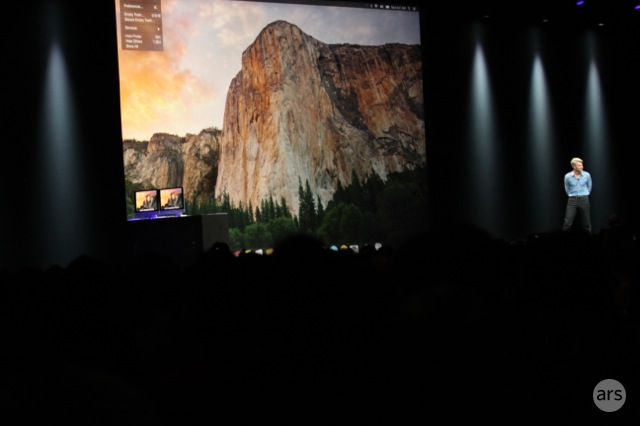
Slim typography is also everywhere, taking a page from iOS. OS X’s staid typography has gone on a crash diet and now looks much thinner.
Notification center gains quite a bit of extensibility, allowing you to customize a “Today” view with the components you actually care about.
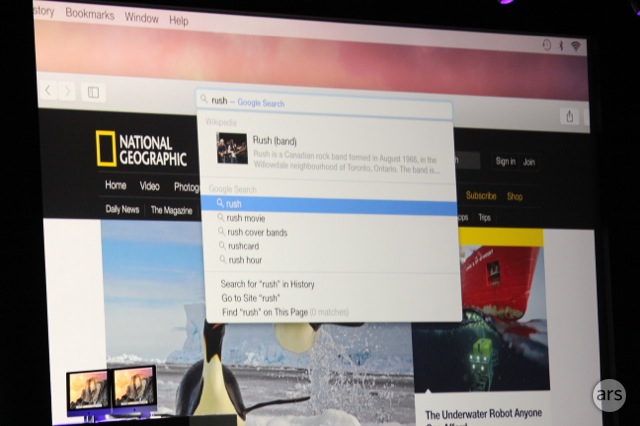
Yosemite Spotlight’s search bar has shifted from the upper corner to the middle of the screen (much like some aftermarket launch utilities). Additionally, the places Spotlight pulls from have expanded and now include online sources.

iCloud Drive
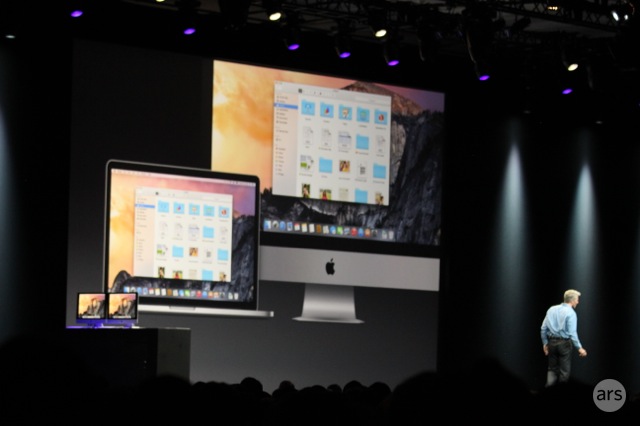
iCloud also gets some love in Yosemite with “iCloud Drive,” which appears to finally deliver seamless Dropbox-like functionality to the Mac desktop. iCloud Drive files can be viewed and edited and tagged in the Finder just like normal files; according to Federighi, iCloud Drive also works on iOS and Windows.




 Loading comments...