The Bargain Box is the most basic box in the hierarchy of Ars System Guide rigs. It has no intent beyond providing the necessities—a solid, affordable, basic computer. This is the basic “office” box (or “mom,” “dad,” or “grandparent” box, if you will).
This places the Bargain Box squarely against the cheap, pre-built boxes from the big OEMs. Dell, HP, Acer, Lenovo, and their ilk all benefit from vast economies of scale that the individual builder could never hope to achieve. By the time the big OEMs add up hardware discounts alone, building it yourself is a so-so idea in terms of value, at best. Add in the cost of the operating system, and the equation really goes out the window.
But for the enthusiasts who believe every single part matters, those who want to know exactly what components they’re using and can justify a few bucks more to that end, the Bargain Box matters. The time needed to build it yourself is time well-spent. This is a project for those who simply want to understand why certain choices are being made, to see what benefits some components bring compared to others, and to appreciate where a better component is worth the extra expense—either in performance, utility, or reliability (sometimes all three!).
For the enthusiasts building Bargain Boxes, this guide makes sense.
Bargain Box Basics
Again, there’s only one goal for any Bargain Box: provide essential computing needs that most light users will encounter. We define this as Web browsing, photo storage, office-type tasks (documents, spreadsheets, e-mail), streaming, and the like. Yet even with zero focus on serious gaming, the Budget Box (even with discrete GPU removed) is probably significant overkill for the average Bargain Box user.
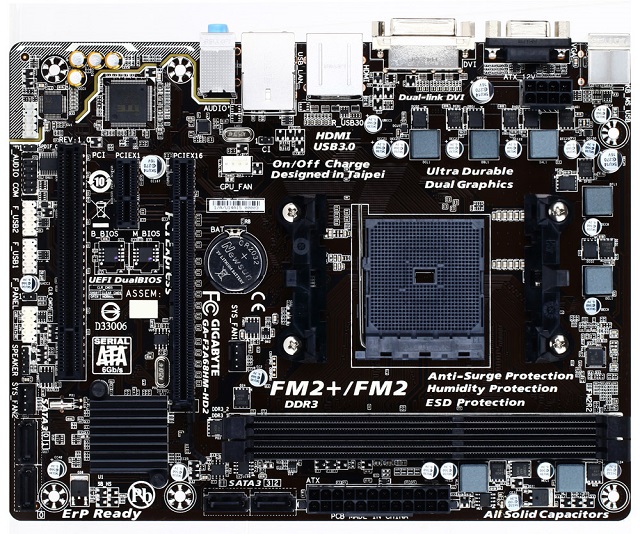
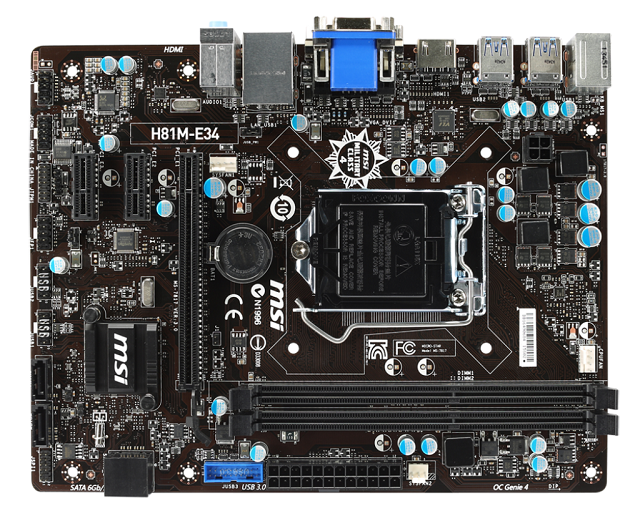
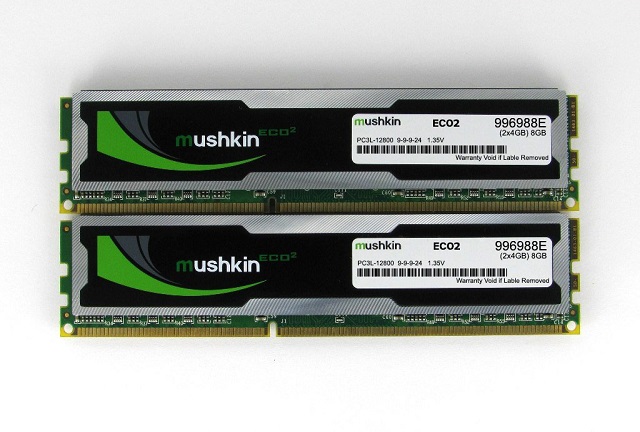
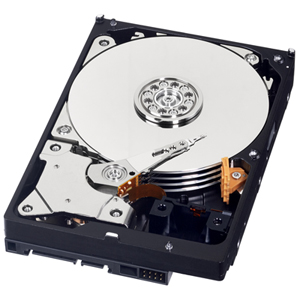
While one of the primary distinctions in the Bargain Box compared to pre-built boxes is the ability to pick and choose your own components, there are plenty of other differences. Our build has enough storage to make it truly versatile for such a low-end box and enough processing power to make its tasks comfortable. We aim a little higher than strictly necessary in both because we feel the slightly larger disk and faster processor offer the most value. Particularly for storage, we feel that a terabyte of storage via a mechanical hard disk gives more flexibility than a small solid state disk (SSD) in the Bargain Box, although that is obviously up to the builder.
 Loading comments...