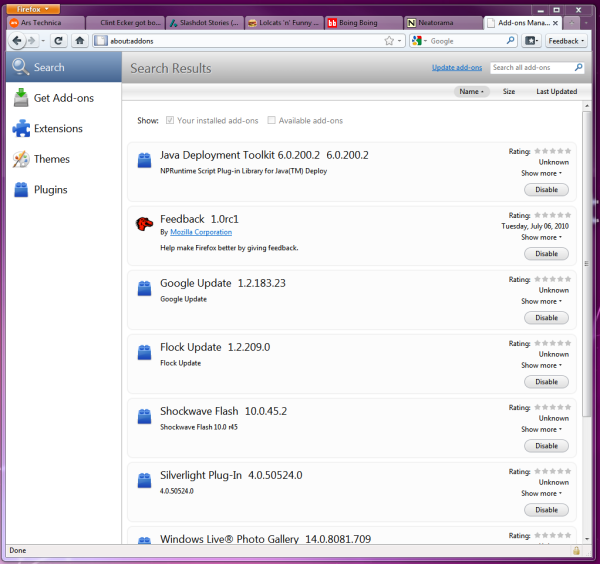
Mozilla on Tuesday released the first official beta of Firefox 4, the next major version of the popular open source Web browser. Mozilla has completely overhauled Firefox’s user interface and added several noteworthy new features for Web developers and regular end users.
The new user interface represents a major departure from Firefox’s traditional look and feel. It is arguably one of the most significant stylistic overhauls that Mozilla has undertaken since the initial transition from the old Mozilla suite to Firefox.
We tested the beta on Windows 7 because that is the platform on which the new theme is most mature; design work is still ongoing for Mac OS X and Linux. The new Windows theme is intended to match Microsoft’s glass aesthetic. The tab bar was moved to the top of the window where it melds seamlessly with the titlebar. The conventional menu was stripped out and replaced with an orange lozenge that is mounted in the top left-hand corner of the titlebar. The entire title region and the inactive tabs are semi-transparent. The inactive tabs are slightly frosted for readability.
The new main menu leaves out a lot of the standard items that were previously accessible through the conventional menu bar. Many of the omitted items are still easy to reach through contextual menus and other parts of the user interface, but there are several features—such as private browsing and the download window—that are no longer easily discoverable. You can still use those features by turning back on the classic menu or hitting Alt to temporarily activate it. It’s likely that these features will be exposed in more practical ways as the design work progresses.
The bookmark list now has its own dedicated menu button located in the main toolbar. When you enable the bookmark toolbar, the bookmark button gets sucked down into it and will disappear from the main toolbar. It’s a particularly nice touch and a good use of space.
The new design looks promising, but it still has some rough edges and needs further refinement. There are still some parts that are awkward and feel out of place. If you look at the right and left sides, for example, you can see that the elements don’t really line up properly. The way that the tabs run up against the window titlebar buttons on the right-hand side also looks wrong to us, like it needs a little bit more vertical spacing.

 Loading comments...