
Windows 8 Enterprise is the reverse-mullet of operating systems: all party in front and business in the back. Up front, the new Start screen and touch-focused interface are more focused on users having a good time—one can not imagine many productivity applications for having access to content based on a gamertag, for example. Behind the tiles, the Desktop is where all the real work will happen.
And even at the Desktop level, Windows 8 Enterprise does not wear its business credibility on its sleeves. The exclusive features in the volume-licensed version of Windows 8 packaged specifically for business users are for the most part under the covers and barely visible. But they make it possible for users to work more securely, and take their work with them when they untether from the LAN—or, with one new feature, when they unplug their boot thumbdrive from the PC.
There are six features exclusive to Windows 8 Enterprise that aim to make it friendlier for business use:
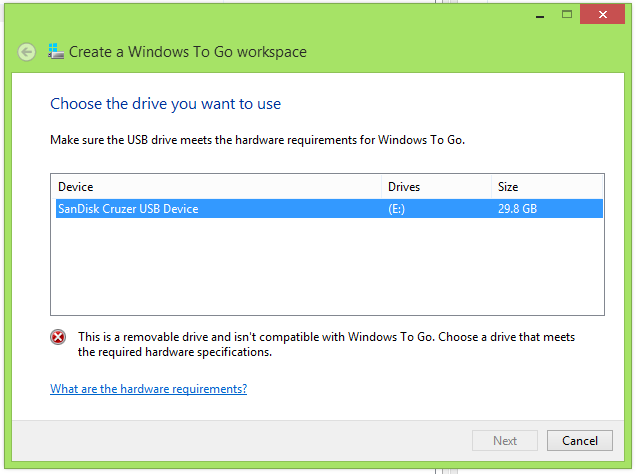
- Windows to Go capability, which allows users to boot a secured image of Windows from a USB drive
- BranchCache content staging and network storage caching feature
- AppLocker application access control
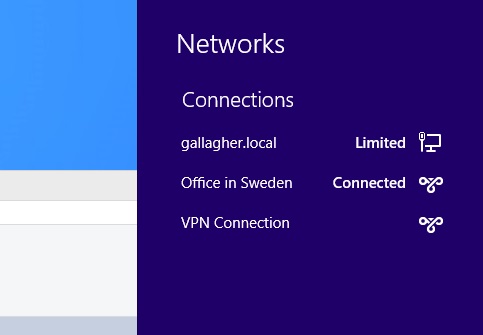
- DirectAccess remote access technology
- Enhanced VDI support for touch-based Windows devices
- “Side-loading” of internal applications developed using the “Metro” interface
Not all of these features are new in Windows 8. DirectAccess, AppLocker, and BranchCache were available in Windows 7 Enterprise and Ultimate, as was VDI support. The improvements in BranchCache, VDI support, and DirectAccess are also dependent on changes in Windows Server 2012. And other than Windows to Go and VDI, the features are largely hidden from the end-user and depend on Active Directory and Windows group policy settings—and in some cases Windows’ PowerShell—to be configured.
But are these features in and of themselves enough for businesses to justify upgrading—and dealing with the user retraining, software testing, and other hassles that come with a major operating system upgrade? For companies that have volume licensing already in place, for whom a “step-up” fee may not be that major a financial consideration, the other hard and soft costs of upgrading may outweigh any benefits from the internal improvements of Windows 8 itself. Much of the decision will rest on whether or not to embrace the new Windows 8 application development model, the adoption of x86-based tablets, and considerations beyond the technical soundness of the platform itself.







 Loading comments...
