The idea of streaming video content is now commonplace, but streaming games? OnLive is doing it. By running the games on powerful computers and then streaming the gameplay to your PC or television via the microconsole, you can play even high-end games on low-end hardware.
I’ve been using OnLive for over a year now, and I’ve seen the good times and the bad times. Now that the microconsole is here and we’ve had some time to play around with both the hardware and the service itself, it’s time for our final thoughts.
The Hardware
You’ve already seen the pictures of the microconsole and included “Owl” controller, so now we’re going to take a closer look at the hardware.
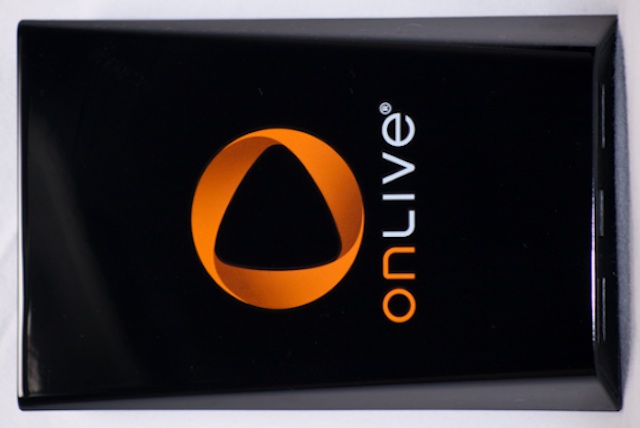
The microconsole is a handheld box with two USB ports on the front, and 3.5mm stereo and optical audio, Ethernet, HDMI and AV ports on the back. The box is made especially for HDMI, but OnLive also sells an HDMI-component cable, which uses the port below the HDMI port. Of course, that port will only output 720p video, and sells for $30 separately.
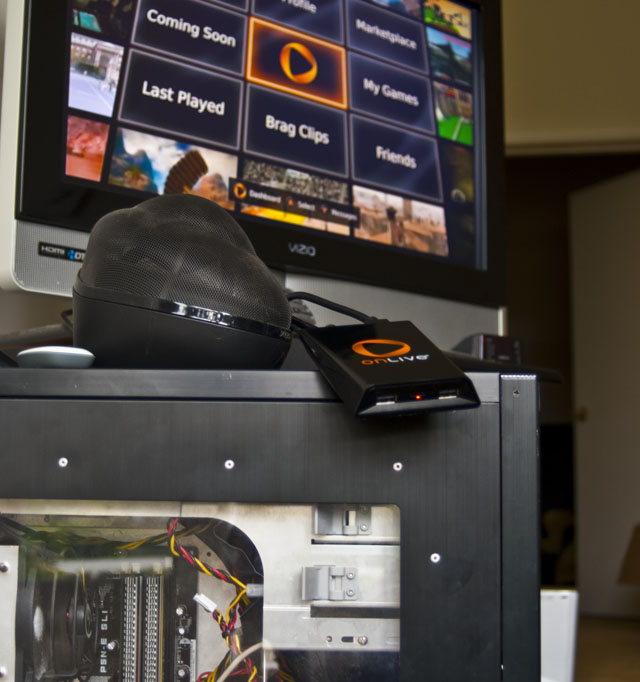
The microconsole is small enough to put anywhere, which can be good or bad for your media center; it’s hard to find a place where it “fits,” and it’s too small to just place on the floor. For now, it sits on top of my media center PC, which was ironically set up six months ago to play OnLive games on the TV.
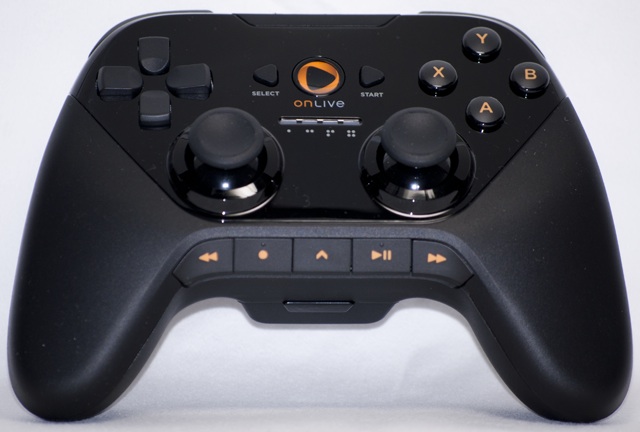
The Owl gamepad is similar to both the Dualshock and the Xbox 360 controller design. The symmetrical thumbsticks are concave and studded, and they grip better than any other major gamepad I’ve tested. The Owl is also big. I’m one of those rare people that liked the original “Duke” Xbox controller, and I like the Owl’s size as well. It’s not quite as large or rounded as the Duke; instead, the Owl is contoured and angular on the sides to fit the hand.

 Loading comments...