Hopefully you’re here because you’ve heard about this new-fangled “Arduino” thing, and you’d like to know more. Maybe you know your way around a soldering iron, maybe you want to relive your glory days troubleshooting college lab circuits, or maybe you just like looking at pictures of circuits. Hopefully, some or all of this will help whet your appetite to play around with the Arduino and discover what it can do.
Arduino describes itself as an “open-source electronics prototyping platform based on flexible, easy-to-use hardware and software.” If you’re interested in maker projects, circuit boards, or just goofing around with a soldering iron, Arduino may be worth your time.
Arduino hardware is available in a number of form factors, so you can decide whether you want to spend a lot of time assembling hardware or build the boards by hand. The hardware can receive input from a “variety of sensors” which can be used to turn on motors, lights, and “other actuators.” Programming is accomplished via the Wiring-based Arduino language. Best of all, everything is offered under an open source license.
This article marks the start of my journey—one from a guy who has some basic circuit knowledge and some (rather outdated) technical training, to a guy who decided to get off his butt and figure this Arduino stuff out. This specifically is the small start to a greater project I have in mind—ultimately driving a color, multipixel display by means of an Arduino processor. Before we get to the whiz-bang cool stuff, today we start from the absolute bottom of the barrel.
Finding parts and tools (Like an Arduino to play with! And wires and stuff…)
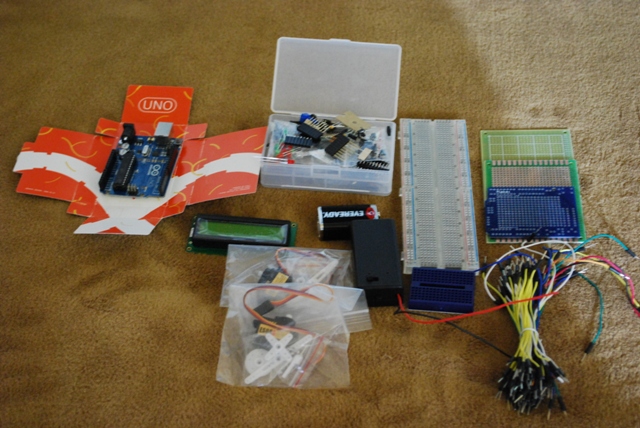
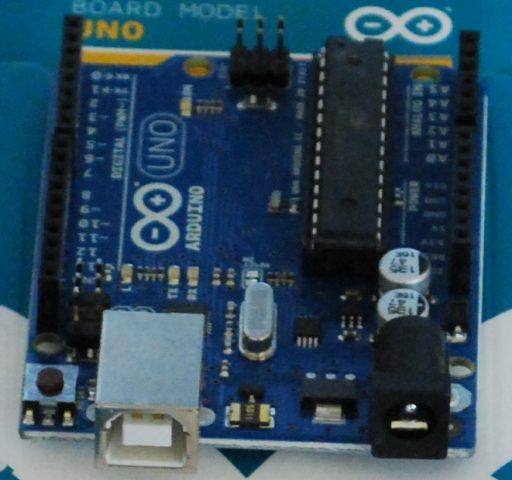
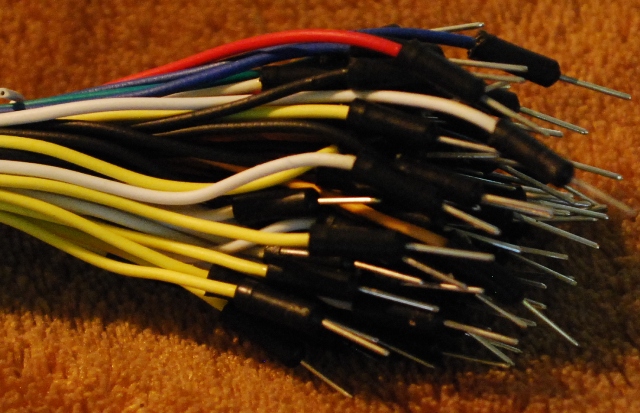
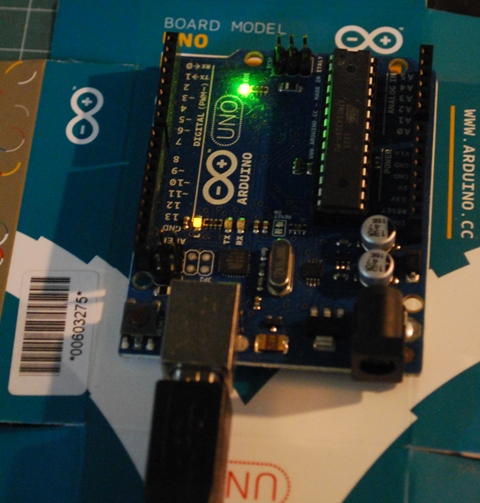
First things first: commit to actually making a purchase. But what to get? Well, try an Arduino prototype board first. Next comes some stuff to actually USE with it. Fortunately, I found a pretty nice kit online from the folks at MakerSHED. It’s called the “Ultimate Microcontroller Pack,” it even comes with the option of an Arduino board.
 Loading comments...