Eminently touchable
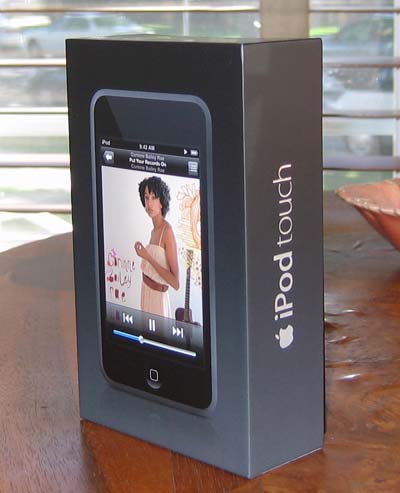
 iPod touch
Manufacturer: Apple
System requirements: Mac OS X 10.4.10, Windows XP SP2, or Vista
Price: $299 (8GB), $399 (16GB) (shop for this 8GB or 16GB model)
The moment the iPhone first saw the light of day, observers wondered how long it would take before a redesigned iPod based on the iPhone form factor followed. The answer, as it turned out, was about two-and-a-half months. The iPod touch, along with a redesigned iPod nano and the iPod classic, was unveiled at a special event on September 5. Apple said that its latest digital audio player would become available towards the end of September, but eight days later reports began trickling in that the 16GB iPod touch was available in limited quantities at Apple Stores.
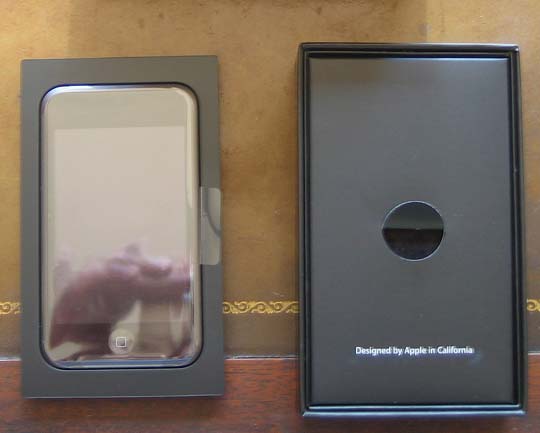
Five minutes after the local Apple Store opened the next day, I found myself waiting with a woman who wanted to exchange the iPod classic she had received as a gift for an iPod touch. After tracking down a green-shirted Apple Store employee, I handed over my American Express card and walked out the door with a shiny new iPod touch.
Chances are, most of you reading this have at least a passing familiarity with both the "classic" iPods and the iPhone. If you know the difference, feel free to skip ahead a couple of paragraphs, because I'm going to cover the basics of the iPod touch for the uninitiated.
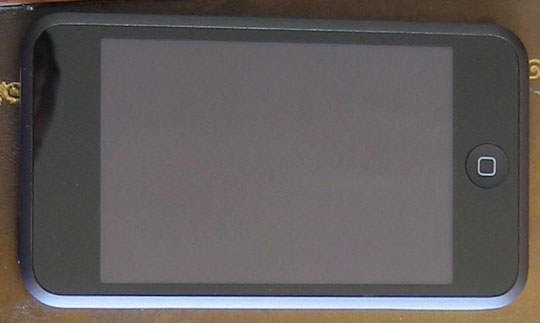 Minimalism, Apple style
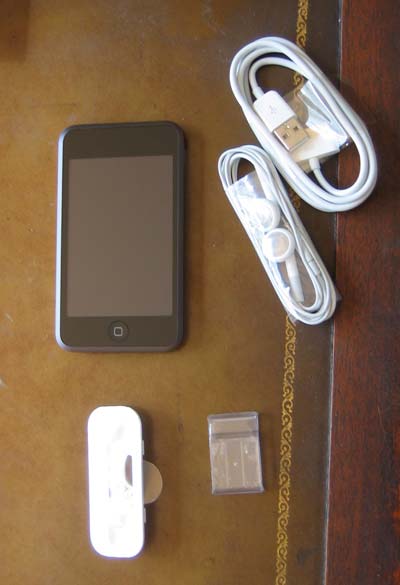
The iPod touch takes a minimalist approach to hardware design. There are exactly two buttons on it: a power button at top left that also handles sleep/wake, and a home button on the bottom underneath the screen. There are two ports, both on the bottom. One is for the headphone and the other is for docking the device with your Mac or PC. That's it.
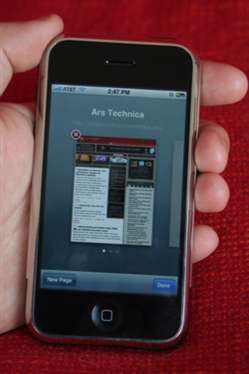
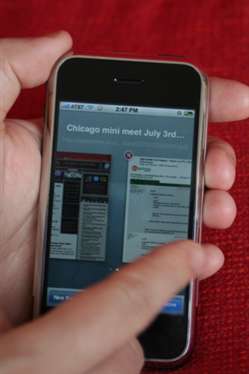
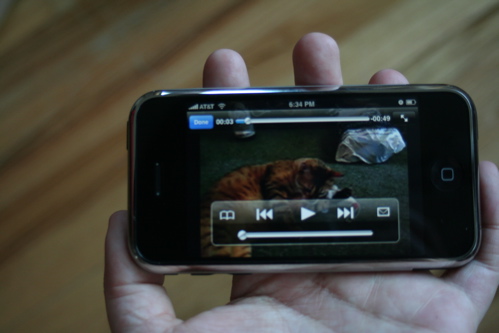
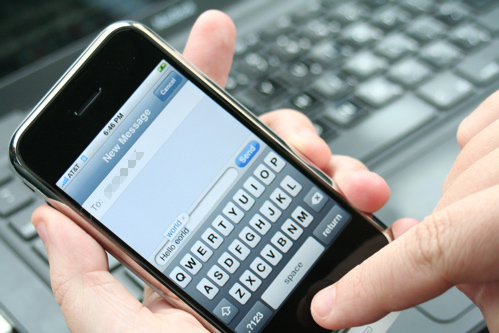
Aside from the power switch and home button, every aspect of the iPod is controlled via the touch-screen display. Tasks such as listening your music, watching your videos, looking through your photos, and browsing the iTunes Store are all accomplished via the touch screen. The same goes for surfing the Internet, watching YouTube, or using the calculator.
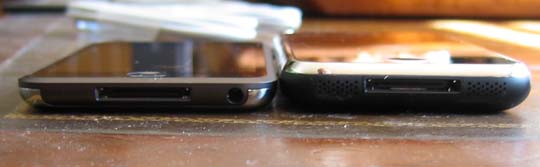
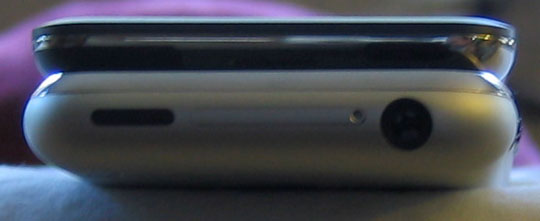
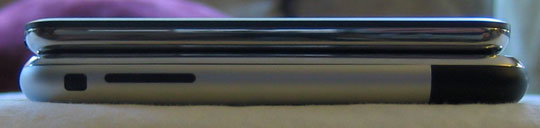
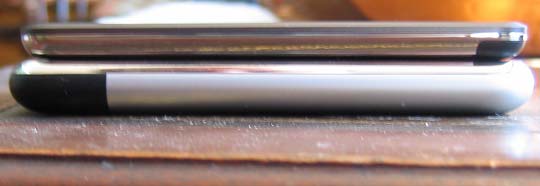
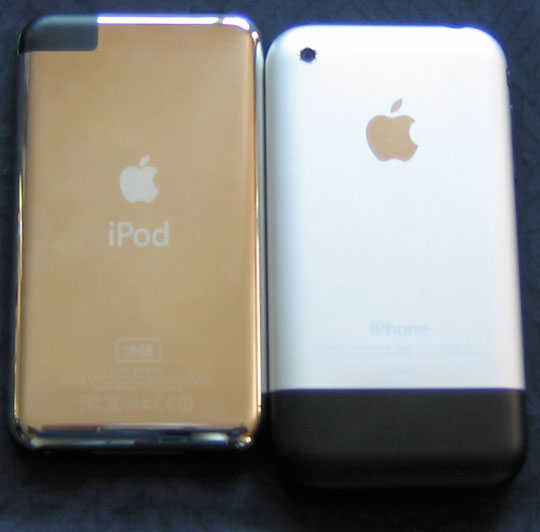
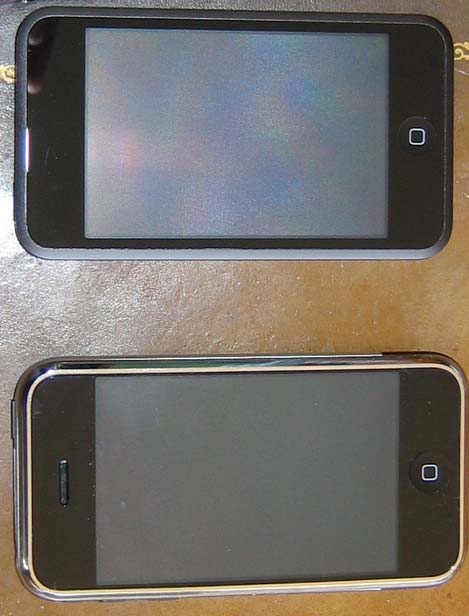
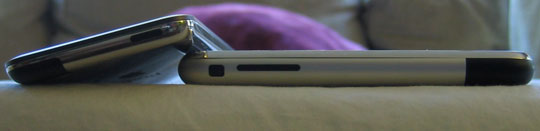
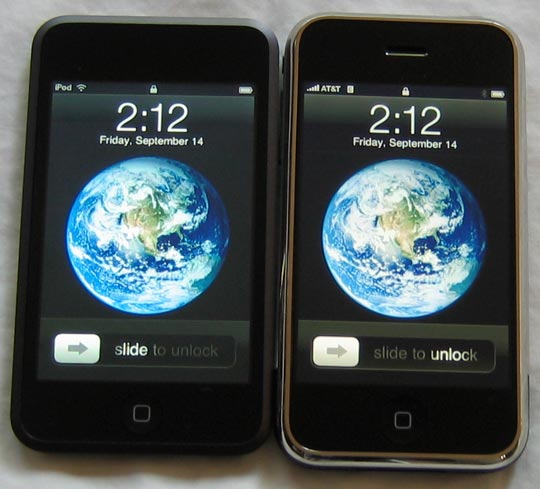
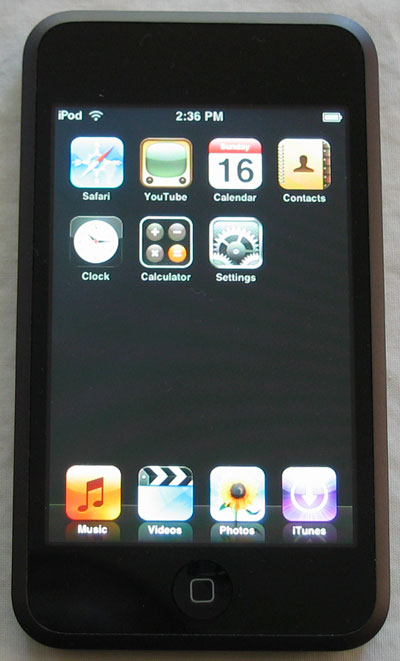
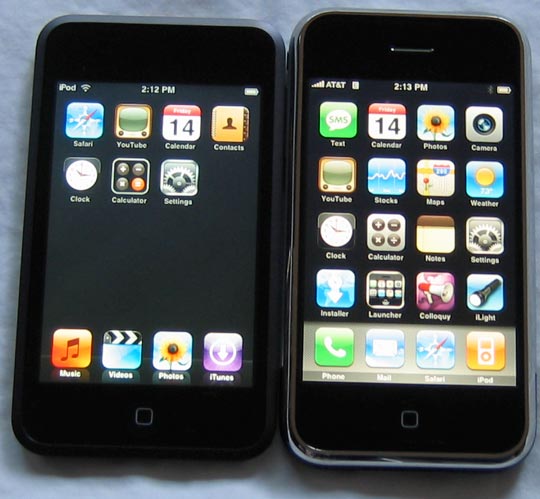
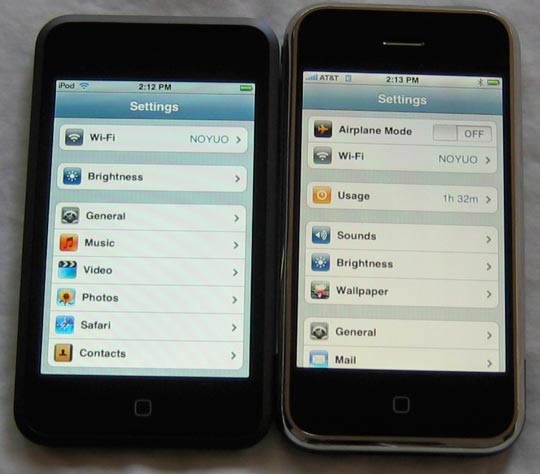
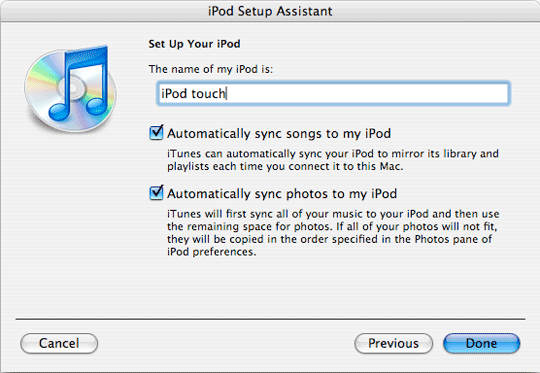
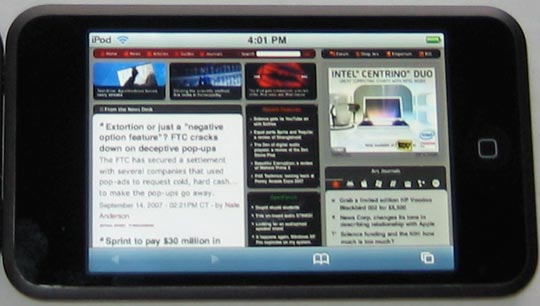

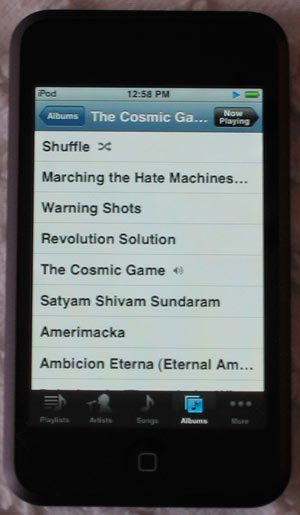
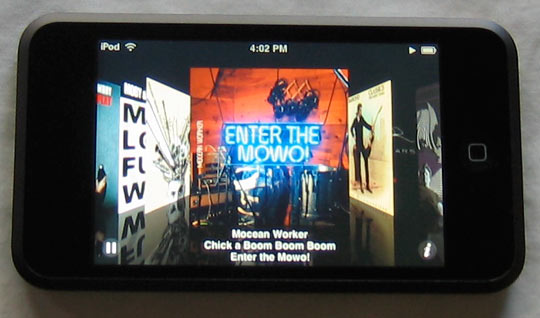
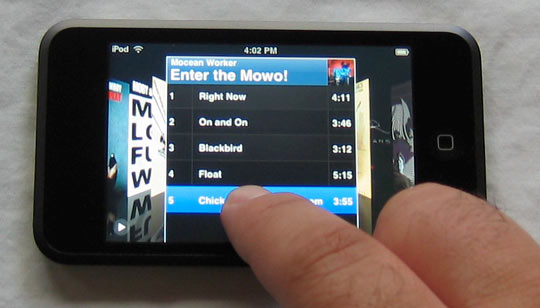
 For the time being, the biggest advantage the iPod touch has versus the iPhone is access to the iTunes Wi-Fi Music Store. Put simply, the iTW-FMS is a front-end to the iTunes Store for the iPod touch. It appears to have the same music selection as the iTunes Store you access from your computer, but it lacks podcasts, audiobooks, TV shows, and movies. The iPod-centric version of the iTunes Store also lacks celebrity playlists, free download of the week, or spotlights.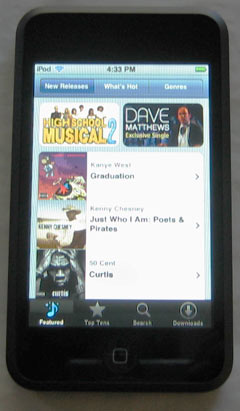
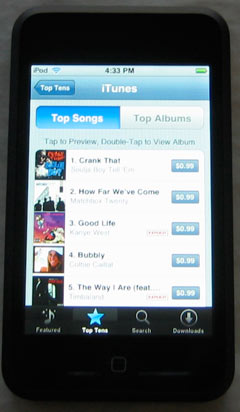
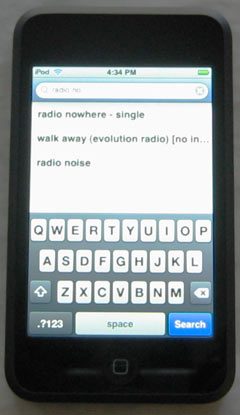
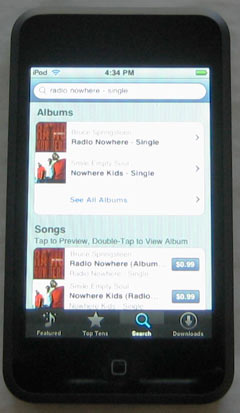
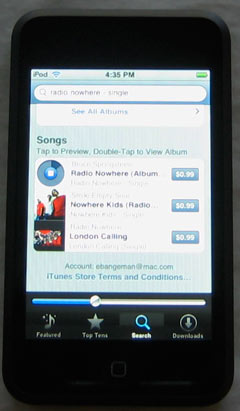
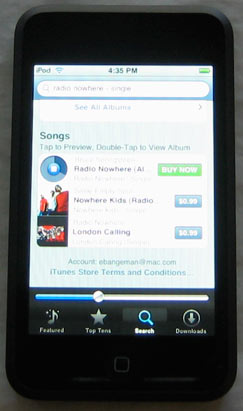
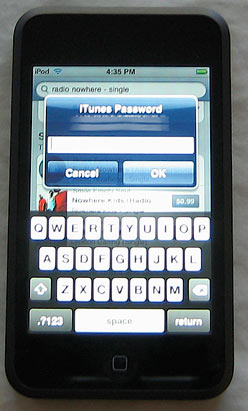
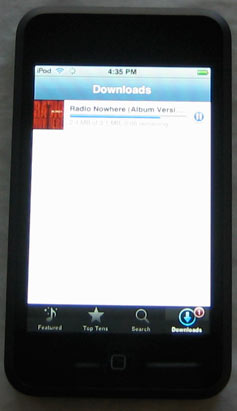
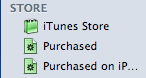 If you buy some music, the next time you sync with your PC or Mac, the music you bought from the iPod will automagically be transferred to your computer. You'll also see a new category on the left-hand panel of iTunes 7.4. Under the STORE heading, you'll now see a "Purchased on iPod Touch" subheading.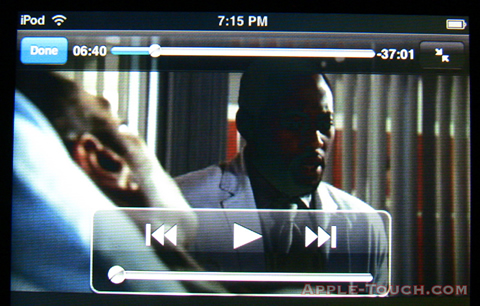
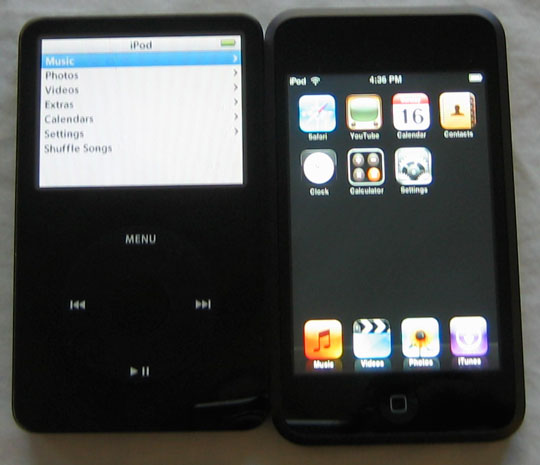
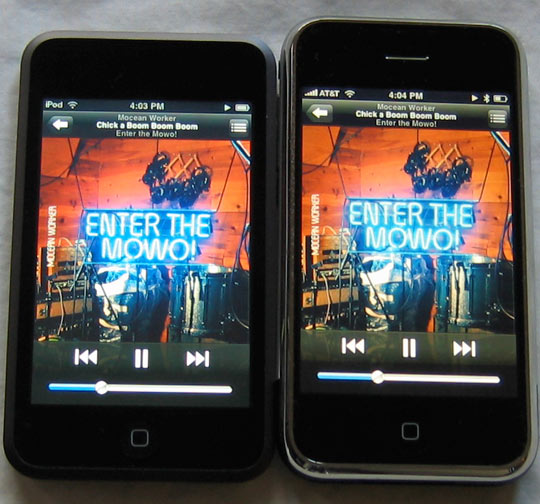
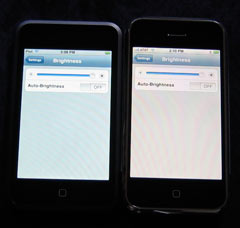 There are two ways to talk about the iPod touch display: in isolation and in comparison to the iPhone. If you have never looked at the display of an iPhone, the iPod touch display will look good. The 480×320 pixel 3.5" display looks gorgeous. It's large enough to make watching a video an enjoyable experience. Photos look vibrant, and using multitouch, you can zoom in to see details.


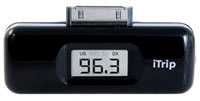 With the iPod touch, the news is mixed. I had three older iPod accessories available to me for testing—a Griffin iTrip FM transmitter, the
 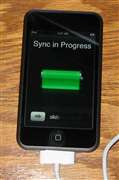 Apple advertises 22 hours of music playback and five hours of video playback on the iPod touch. By way of comparison, the iPhone offers 24 hours of audio playback, seven hours of video playback, and six hours of Internet use over WiFi (the iPod touch doesn't provide any guidance for battery life when using WiFi).
  The Good:
 Loading comments...