Soon after the first iPads started showing up on Princeton University’s network earlier this month, the university’s network admins noticed strange behavior from Apple’s tablet computer: some iPads kept using an IP address after its DHCP lease ran out. That’s part of the reason the university “banned” the iPad from its network.
What’s really going on here, and how can it be fixed?
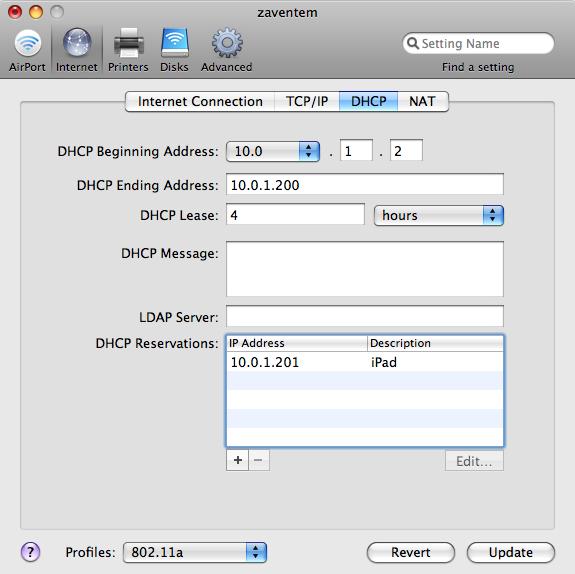
Like virtually all Internet-capable devices, iPads obtain an IP address using the Dynamic Host Configuration Protocol (DHCP) when they connect to a WiFi network. That address isn’t exactly the iPad’s to keep, though: it comes with an expiration date. When the lease time of the address expires, which typically happens after several hours, the holder of the address must stop using it. To avoid inconvenient network interruptions, systems will contact the DHCP server and renew their address lease well before this. This doesn’t happen on the iPad—at least not when the screen is off. In the meantime, the DHCP server may have given the address in question to another system. Having two systems with the same address on the network will break connectivity for one of them—possibly both.
As long as the user is interacting with the iPad through the touchscreen, there is no problem: the iPad conforms to the DHCP protocol and renews its IP address as required. If the iPad is turned off, or WiFi is disabled, the device will disassociate from the WiFi network and stop using its IP address. But unlike the iPhone, if the iPad screen turns off—either automatically or because the user pushes the wake/sleep button—it keeps its WiFi connection alive. The lower-level IP stack also remains active, as the iPad responds to ping packets.

 Loading comments...